Customer Service
Field Operations
Technician Mobile Workflows: Eliminating Admin Drag at the Asset
16 Oct 2026

Written By Nikolaj Gaba
Share to
About the study
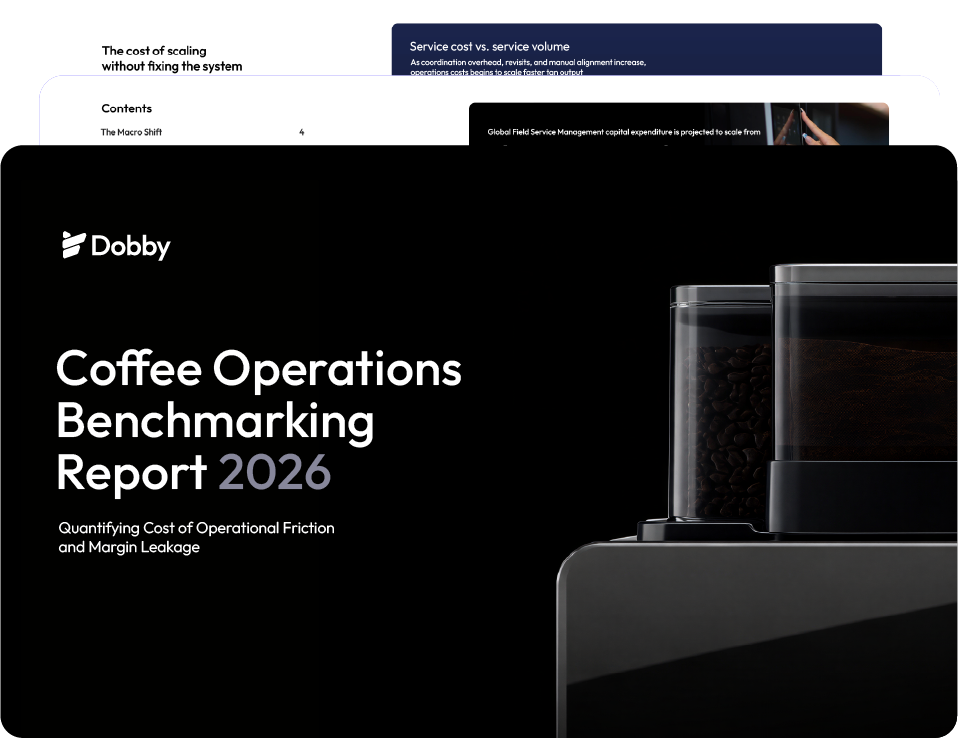
This article draws key insights from the 2026 Coffee Operations Benchmarking Report, analyzing how technician mobile UX directly impacts data accuracy, unbilled inventory, and back-office billing speed.
For commercial coffee fleet operators, field technicians are the backbone of the business. Yet, in many operations, these highly skilled specialists spend nearly as much time wrestling with cumbersome software, paper receipts, and manual forms as they do actually servicing espresso machines.
When a field app is complex, slow, or unintuitive, technicians naturally find workarounds. They skip logging spare parts, defer ticket updates until the end of the week, or send informal text messages to dispatch.
The result? Incomplete asset records, unbilled inventory, delayed invoices, and back-office teams forced to play administrative detective.
To protect operating margins and speed up billing cycles, fleet leaders must equip field teams with a mobile workflow that works for the technician, not against them.
The Hidden Costs of Poor Mobile UX in the Field
When field software creates administrative friction, the impact ripples across the entire service ecosystem:
1. Delayed Invoicing & Cash Flow Drag:
When job sign-offs and parts usage sit in a technician’s mental notes or paper notepad overnight, back-office billing stalls.
2. Missing Asset Data:
Skipped fields on service tickets mean future technicians arrive without knowing prior fault codes, water filter install dates, or warranty status.
3. Frustrated Field Teams:
Skilled machinery technicians want to fix equipment, not spend 15 minutes tapping through multi-page forms for a routine 5-minute descaling job.
3 Essentials of an Effective Field Technician Workflow
A modern mobile field app should act as an assistant at the machine, streamlining execution and automatically capturing key operational data.
1. One-Tap Job Execution & Asset Lookup
Upon arriving on-site, a quick scan of a machine’s QR code or serial number instantly brings up its complete service history, previous component replacements, and specific model documentation. Technicians get full context without searching through emails or calling dispatch.
2. Embedded Parts Logging & Inventory Sync
Replacing a group head gasket or descaling kit should take seconds to log. By linking van stock directly to the active mobile ticket, part consumption automatically updates local inventory levels and appends the line item to the customer summary in real time.
3. Instant Digital Sign-Off & Automated ERP Billing
Once the repair or maintenance task is complete, the client signs directly on the technician’s mobile device or receives an immediate digital job summary. The moment sign-off is captured, the ticket closes and syncs directly with back-office ERP systems to trigger automated invoicing.
Streamline the Field, Accelerate the Back Office
Technician adoption is the ultimate test of any field service management system. By replacing slow, fragmented administrative steps with intuitive mobile workflows, fleet operators reduce operational friction, ensure 100% data capture, and dramatically shorten the time from completed job to paid invoice.
Eliminate field admin drag
Stop Letting Clunky Field Apps Delay Invoices and Drain Tech Productivity